A wedding shoot can produce thousands of photos, yet a beautiful album usually uses only a few dozen to just over a hundred. Knowing how to choose photos for a wedding album determines most of its quality — even before the design stage.
How many photos should a wedding album have?
- An average of 3–5 photos per spread is easy on the eye; a few spreads with just 1 large photo create emphasis.
- A 15-spread album: about 50–70 photos. A 25-spread album: about 80–120 photos.
- Don't cram in too many small photos — viewers remember the big images, not a dense grid.
Choose by story arc
A great album tells a story. Divide your photos into sections:
- Opening: the single best photo of the couple, usually a close-up portrait.
- Setting: the venue, details of the dress, rings, flowers.
- Emotion: natural moments, laughter, glances.
- Family and friends (for wedding-day albums).
- Closing: a wide shot or the couple walking away — a sense of closure.
Common photo selection mistakes
- Many near-identical photos on the same page: keep only the best one, or move the others to another page.
- Portrait / landscape imbalance: all-portrait photos make layouts feel cramped — balance both.
- Inconsistent color between scenes: color-match everything before laying out pages.
- Faces near the edge or across the spine: choose photos with breathing room.
Culling fast when you have thousands of photos
- Do a rough cull in your culling software (star ratings, color labels) and keep only 4–5 star photos.
- In Snaply Album, view photos by scene with AI to instantly see how many photos each concept has, and filter Used / Unused photos while designing.
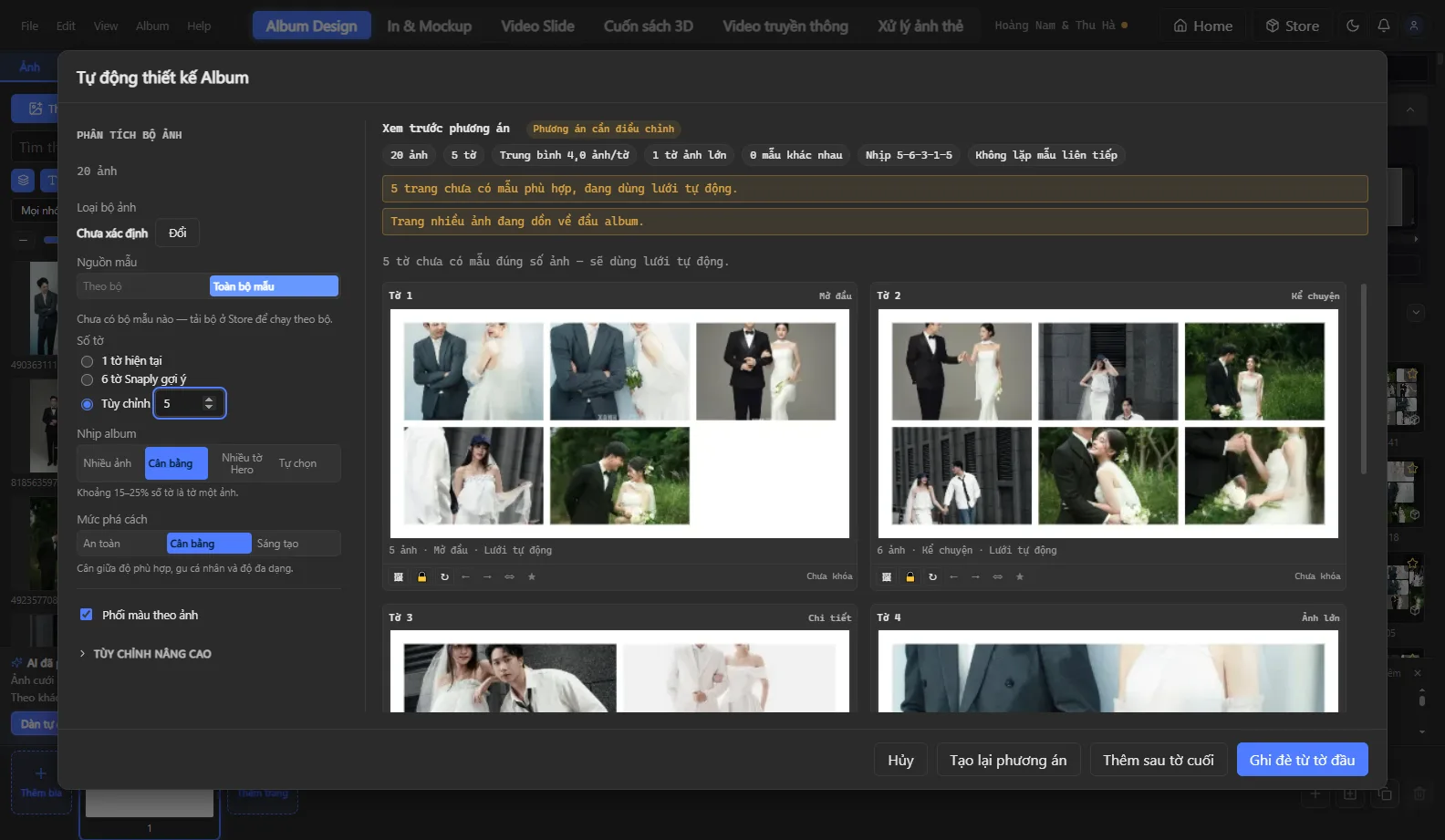
- Auto Design automatically moves near-duplicate photos to different pages and matches photo orientation to frames — you just pick the photo set and let the app handle the layout.
- Use the multi-spread view to see the rhythm of the whole album and swap photos between pages by drag and drop.
Done choosing? Continue with the 6-step fast wedding album workflow and the guide to Auto Design by template set.